


TODAY AT A GLANCE
Customer Orders Dashboard ♡
Keep the online store accurate, receive complete orders, and spend less time answering “HM?”, “Available?”, and “Open po?” one message at a time.
CUSTOMER ORDERING
Store Availability
Loading store hours…
Today’s hours: loading…
TODAY'S ORDER FLOW
Daily Pipeline Summary
PERFORMANCE
Sales Summary
Revenue, AOV, items sold and estimated profit use approved/verified orders only. Orders counts all placed orders. Estimated profit = approved revenue − product capital cost − recorded expenses.

DIRECT STORE LINK
Share your online store
Send this link through Messenger, SMS, Facebook, or put its QR code on your store materials. One tap opens the store in the browser.
The code is unique to this store. Later, customers can use it from “Find a Store” even when stores have similar names.
 ️
️STARTER STORE
50 products included on Starter
Product photos are included with Starter. Existing pilot catalogs are preserved; the 50-item limit is the Starter policy for new seller accounts.
CHECKOUT
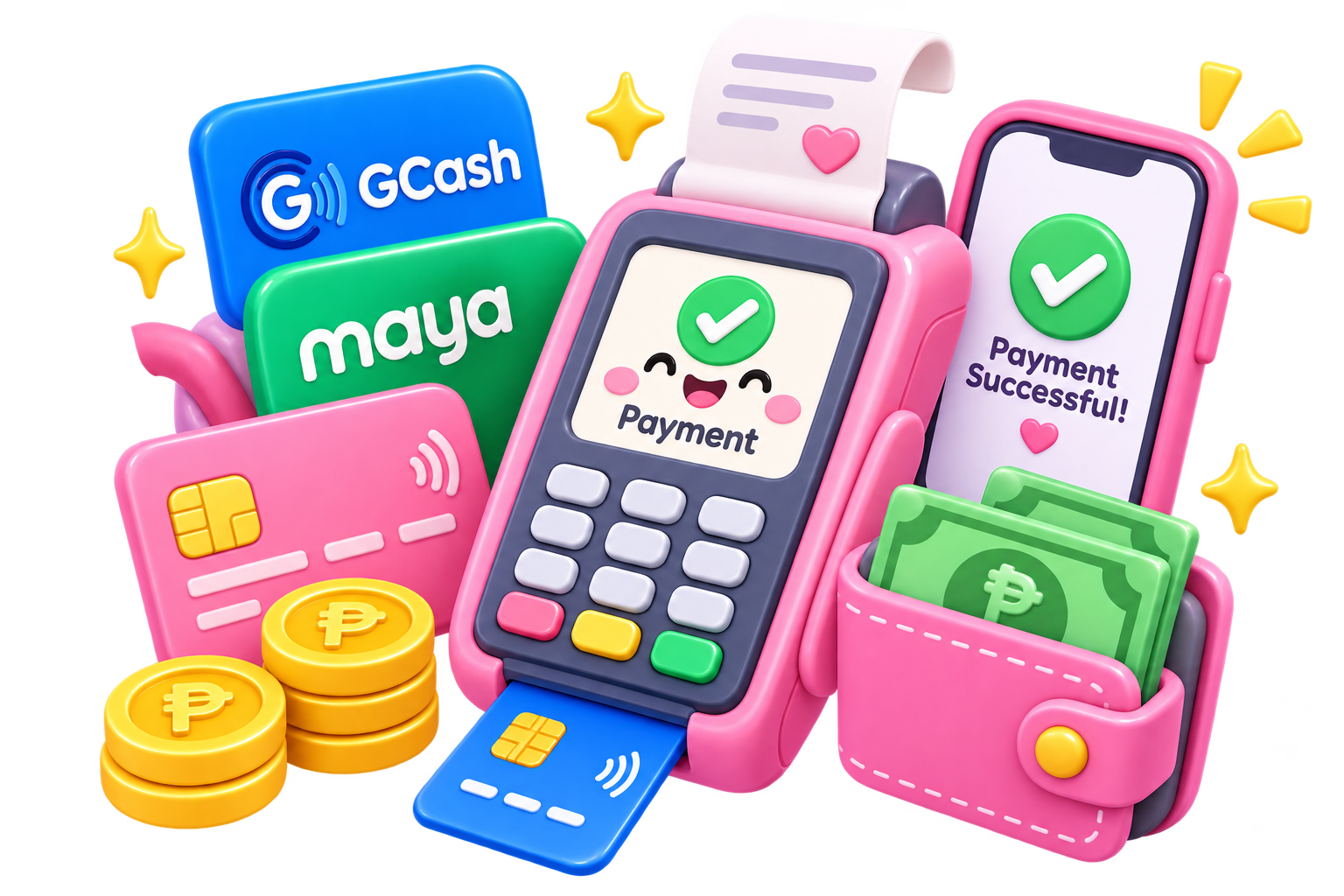
Payment methods customers can use
Only enabled methods appear at checkout. Utang stays discreet and only appears for a customer when that customer is eligible or you personally allow it.
Find a trusted customer
UTANG LEDGER
Approved & requested Utang orders
🔎 Customer / order lookup

CATALOG SETUP
Add Department
Create the department first, then assign products and categories to it.
Use the department name only — the word “Box” is removed automatically.
PAYMENT CONTROL
Refunds ♡
Find the original order first. If it is not in Orders, the refund can be logged manually with an automatic exception note.
START A REFUND
Order lookup
REFUND SUMMARY
Total Refunded
₱0.00 0 completed refundsREFUND LOG
Completed refunds

Daily Report
PAYMENT SERVICES
Cash In / Cash Out
Today's remittance activity first; older transactions stay in All History.
TODAY
Remittance Summary
TRANSACTIONS
Current Queue
Tap a box to change the list below.